
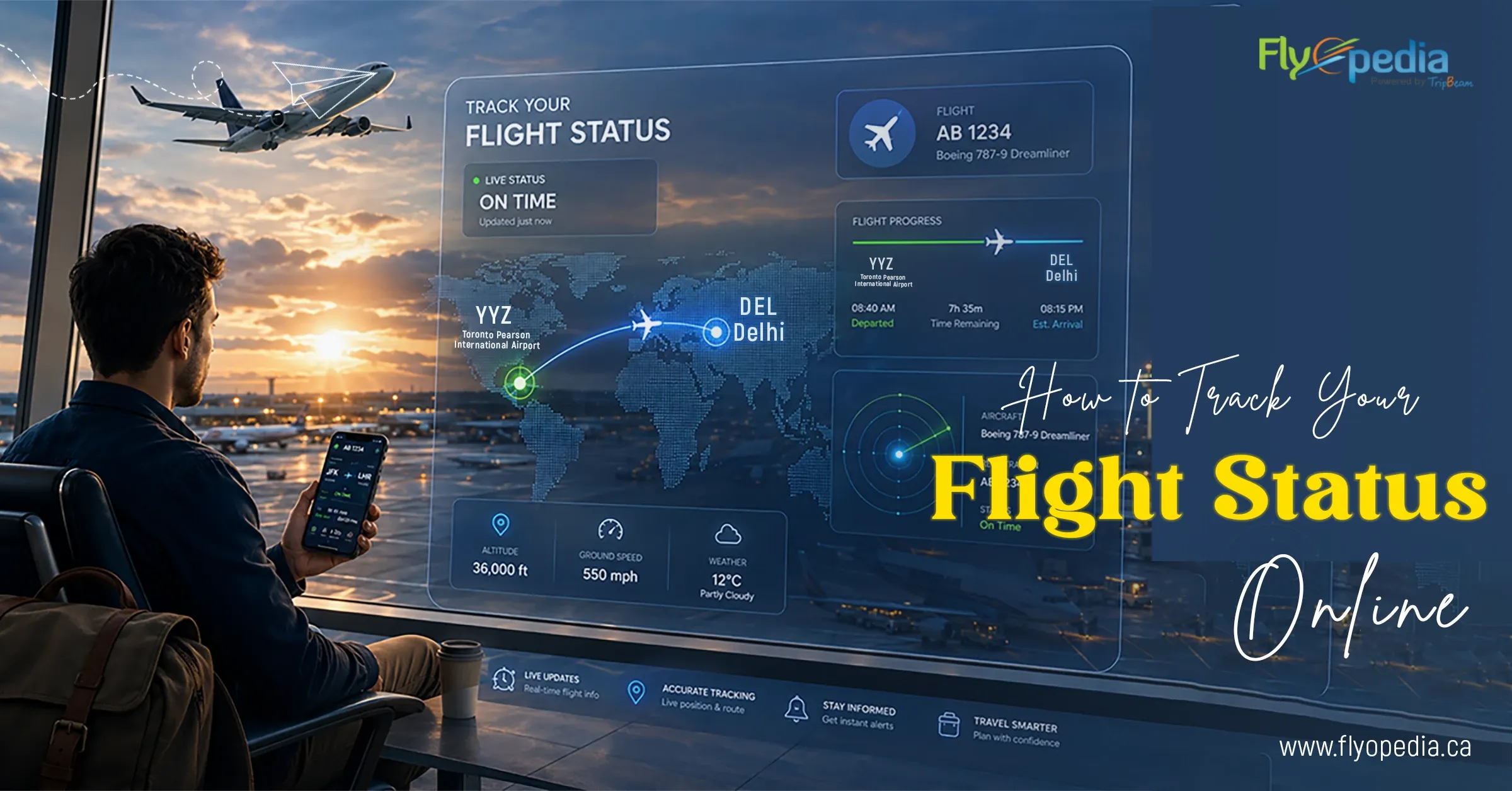
Flights from Canada to India are long, connected and rarely forgiven for missed updates. A gate change in Toronto, a delay in Dubai or a schedule shift in Mumbai — on a journey this long, one missed alert means a missed connection and a rebooking bill that hurts. Unlike short domestic hops, there is no next flight in an hour.
This guide shows you exactly how to track your flight status online — so you stay informed at every stop and never get caught off guard mid journey.
How to Track Flight Status Online (Step-by-Step)
1. Use Airline Websites
The airline’s official website is the most reliable source for online flight status tracking. Enter your flight number or PNR (booking reference) and you instantly see departure time, gate number, delay notifications and boarding updates — pulled directly from the source.
For Canada to India flights with stopovers, check each flight segment separately. Status for your Toronto to Dubai leg and your Dubai to Mumbai leg will be listed individually.
2. Use Flight Tracking Apps
Flight tracking apps provide the fastest way to track flight status in real time. They pull live data and send instant updates as your flight status changes.
You get real-time tracking, delay alerts, and gate notifications in one place. These apps are useful for Canada to India flights, where long routes and connections require constant updates.
3. Use Third Party Flight Trackers
Third party flight tracking platforms pull data from multiple live sources — airlines, airports and real-time ADS-B signals. This gives you a more complete picture than a single airline’s website.
They are useful when an airline’s website is slow, down or lagging behind actual updates. On top of status alerts, most platforms also show a live route map, historical delay patterns for your specific flight and push notifications the moment something changes. It is useful feature to have on a 16 to 20 hour Canada to India journey.
4. Turn On Notifications
Most travelers check flight status but don’t enable alerts. Enable notifications to get real time flight status updates without checking manually.
You will receive delay updates, boarding alerts and gate changes as they happen. This keeps you updated throughout your journey without missing critical changes.
How to Check Flight Status by PNR or Flight Number
You can check flight status online in two ways, and both give real-time updates based on airline data.
By Flight Number
Enter your airline name and flight number. You receive real-time updates on departure, arrival, delays, gate changes, and your flight’s current location. This method works best when you want fast status without booking details.
By PNR (Booking Reference)
Enter your PNR to access your full booking. This shows flight status along with passenger details, seat info, baggage and any schedule changes linked to your ticket.
Both methods pull live data, but PNR gives more detailed information related to your booking, while flight number gives swift tracking. Therefore, you can use your flight number for quick checks and PNR for complete booking and flight details.
Flight Status Terms You Should Understand First
When you track flight status online, you will see specific terms that reflect the current stage of your flight. Knowing what each one means — and what to do next — can save you from scrambling at the airport.
- On Time — The flight is operating as scheduled.
- Delayed — The departure or arrival time has shifted. On Canada to India routes with stopovers, even a short delay can affect your connecting flight.
- Boarding — Passengers are being called to the gate. Head to your gate immediately.
- Departed — The flight has taken off and boarding is closed.
- Cancelled — The flight will not operate. Contact the airline immediately to rebook or request a refund.
These statuses update in real time based on operations, weather, and air traffic conditions.
When to Check Flight Status Online
If you know when to check your flight status online, it helps you stay updated on delays, gate changes, cancellations, and boarding schedules. Since flight information changes frequently before departure, travelers should monitor their flight status regularly before heading to the airport. So, you should check your flight status:
- 24 hours before departure – confirms schedule, terminal and check in status.
- 6 hours before flight – shows delays, aircraft changes or gate updates.
- 2 hours before boarding – confirms final gate, boarding time and last minute flight changes.
International flights to India have more variables such as connections, long routes and air traffic delays, so updates change more frequently. Therefore, check flight status multiple times to avoid missing critical updates and stay prepared for any changes.
Also Read: 5 Simple Ways To Check Air India Flight Status
Track Your Flights from Canada to India
Canada to India is not a simple point to point journey. Most routes involve two or more flight segments, a transit stop — Dubai, London or Frankfurt — and coordination between different airlines across multiple time zones.
That complexity creates real risk. A 45 minute delay leaving Toronto can cascade into a missed connection in Dubai, leaving you stranded at a transit airport for hours. Gate changes mid journey are common and easy to miss if you are not actively tracking.
Flights from Canada and India also sit nearly 10 to 12 hours apart in time zones, which makes it difficult to manually track departure and arrival times across segments. Real time flight tracking removes that confusion, which gives you live flight updates at every stage so you can manage connections confidently and arrive without surprises.
Booking last minute flight tickets to India from Canada through Flyopedia.ca keeps everything in one place — your itinerary, flight updates, and travel support — so you are never left searching across multiple platforms mid journey. If your flight is delayed, cancelled or rescheduled, Flyopedia support team is ready to help you rebook or adjust your plans.
Frequently Asked Questions
Q1) How can I check my flight status in real time for international flights?
To track flight status online in real time, use the airline's official website or third-party tracking platforms. Enter your flight number or PNR to get live updates on departure, arrival, and delays.
Q2) How early should I check my flight status before departure?
Check your flight status at least 24 hours before departure, then again 3 to 6 hours before your flight. For flights with stopovers, frequent checks help you catch delays or gate changes early enough to act — before they affect your connection.
Q3) Why does my flight status keep changing?
Flight status can change frequently because many factors affect operations in real time. Weather disruptions, heavy air traffic, aircraft changes, or technical checks can all cause updates. That’s why a flight may show different statuses within a short time.
Q4) Can I track a flight without a PNR number?
Yes. You can track flight status using the flight number on airline websites or flight tracking apps without needing a PNR.
Q5) Which is the best way to track flight delays and gate changes?
The best way to track flight delays and gate changes is to use the airline’s app, turn on notifications, and check updates regularly. With alerts enabled, you get instant updates on delays, gate changes, and boarding status.
Q6) Is it better to track flight status on airline websites or third-party apps?
Airline websites provide the most accurate updates. Third-party apps are useful for live tracking and alerts across multiple airlines.
Q7) Can I get flight status updates on my phone automatically?
Yes. Most airline apps and travel apps send automatic updates if you enable notifications. You’ll get real time alerts for delays, gate changes and boarding updates directly on your phone.